Online Video Editor
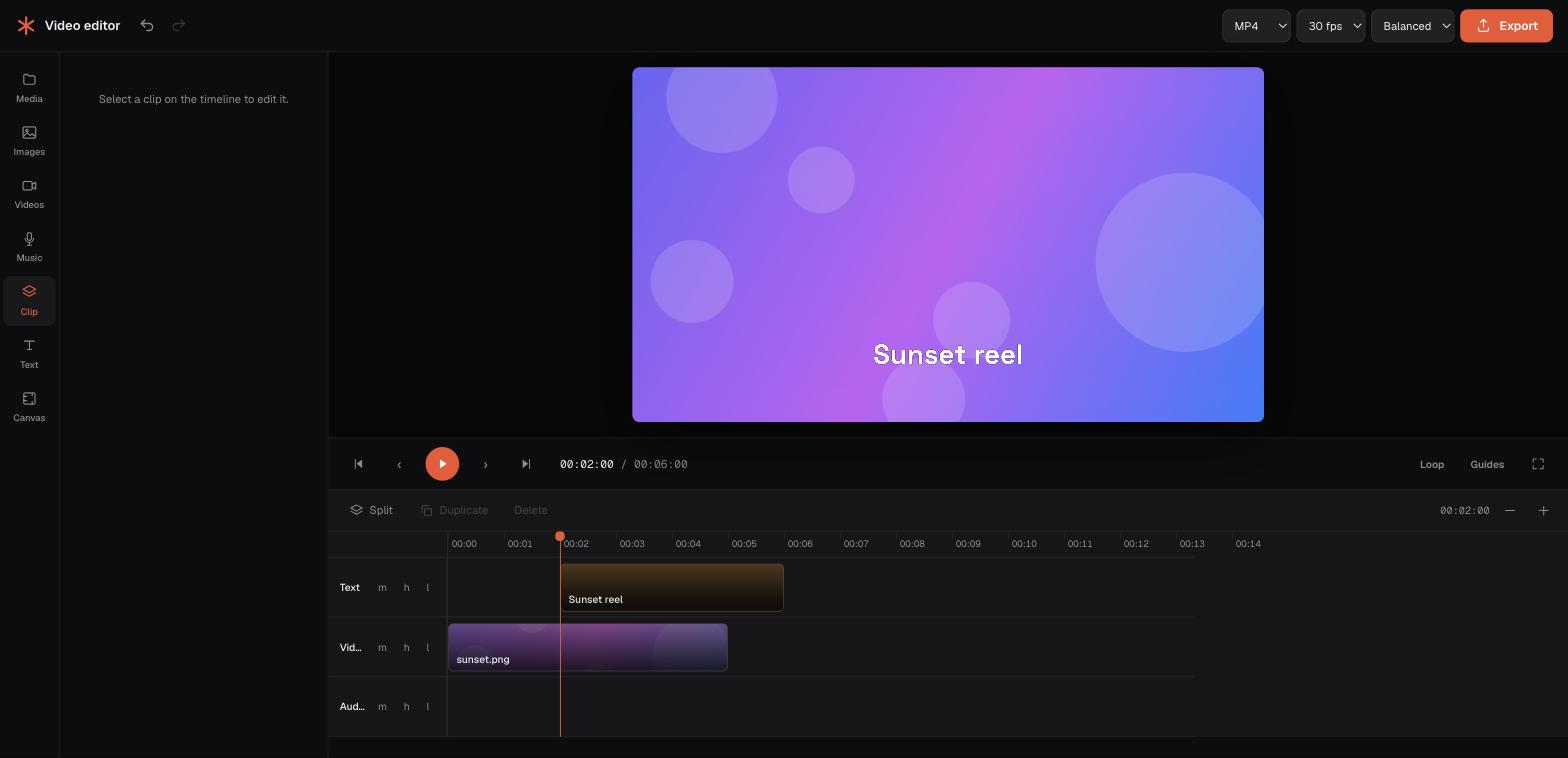
Trim, cut, split, merge and compress your videos right from your browser — on any device. Fast, free, and your files never leave your device.
All video tools
Pick a task and get a result in under two minutes.
Trim Video
Cut a clip down to a start and end time, in your browser.
Cut Video
Remove unwanted segments and stitch the rest back together.
Split Video
Divide one video into multiple files at chosen points.
Merge Videos
Combine multiple clips — even different formats — into one.
Compress Video
Shrink file size for sharing while keeping quality high.
Resize Video
Change resolution or fit to a social-media preset.
Crop Video
Trim the frame to focus on what matters.
Rotate Video
Fix orientation by rotating 90°, 180° or 270°.
Convert Video
Change format between MP4, WebM, MOV and MKV.
Speed Video
Speed a clip up or slow it down, from 0.25× to 4×.
Mute Video
Remove the audio track without re-encoding the picture.
Loop Video
Repeat a clip several times back-to-back.
Reverse Video
Play a clip backwards, audio and all.
Video to GIF
Turn a clip into a clean, looping animated GIF.
Adjust Video
Tune brightness, contrast and saturation.
Filter Video
Apply a colour look — mono, sepia, vivid and more.
Add Music to Video
Lay a soundtrack over a clip, or replace its audio.
Slideshow Maker
Turn photos into a video slideshow with music.
Add Text to Video
Overlay a caption with position, size and outline.
Meme Maker
Add classic top and bottom meme captions.
Screen Recorder
Record your screen, a window or a tab — with sound, in your browser.
Webcam Recorder
Record a video message from your camera, with no installation.
Your all-in-one online video editor
Everything you need to prepare a video for sharing — with none of the downloads, sign-ups or uploads you'd expect.
Runs in your browser
Every tool works on any device — Mac, Windows, Linux — with nothing to install and nothing uploaded.
Your files stay put
Your video is processed on your own device with FFmpeg.wasm. The file itself is never uploaded.
No cost, no limits games
Because there's no server bill, the core tools are genuinely free — no per-export charges.
Any format supported
MP4, MOV, AVI, MKV, WEBM in — clean MP4 out. Mixed formats merge without a problem.
Fast & responsive
Stream-copy trims are near-instant; heavier jobs show a clear in-browser progress bar.
Built for creators
Social-media presets for Reels, Stories, feed posts and YouTube, so you never have to look up dimensions.
How to edit a video online
Four steps, no account required.
Pick a tool
Choose from trim, cut, split, merge or compress — each is a focused, single-purpose page.
Drop your video
Drag a file onto the upload zone. It loads straight into your browser — no upload wait.
Adjust & process
Set your options and let FFmpeg.wasm do the work locally, with live progress.
Download
Grab your result instantly, then jump to a related tool if you need one more edit.
Frequently asked questions
No. Every video tool runs in your browser using FFmpeg.wasm. Your file is read into memory on your own device and never leaves it. The page does load ads, and the first run downloads the FFmpeg engine from a CDN — neither request carries any part of your video.
Yes. Because processing happens on your device, there's no server cost to pass on — so every tool is free, with no account, no watermark and no export limit. The site is funded by ads on our written guides.
Most common video formats are supported as input — MP4, MOV, AVI, MKV and WEBM. Output is typically MP4 (H.264/AAC) or matches your source where a lossless copy is possible.
Around 250MB is a comfortable ceiling. There is no hard cap — the real limit is your device's memory, because the file is decoded and processed in the browser. A recent laptop handles far more than an older phone.
No. There are no accounts on Dexta Studio at all — nothing to sign up for, and no watermark or export limit to unlock.
Ready to edit your video?
Free to use, private by design, and ready in your browser right now.
Get started